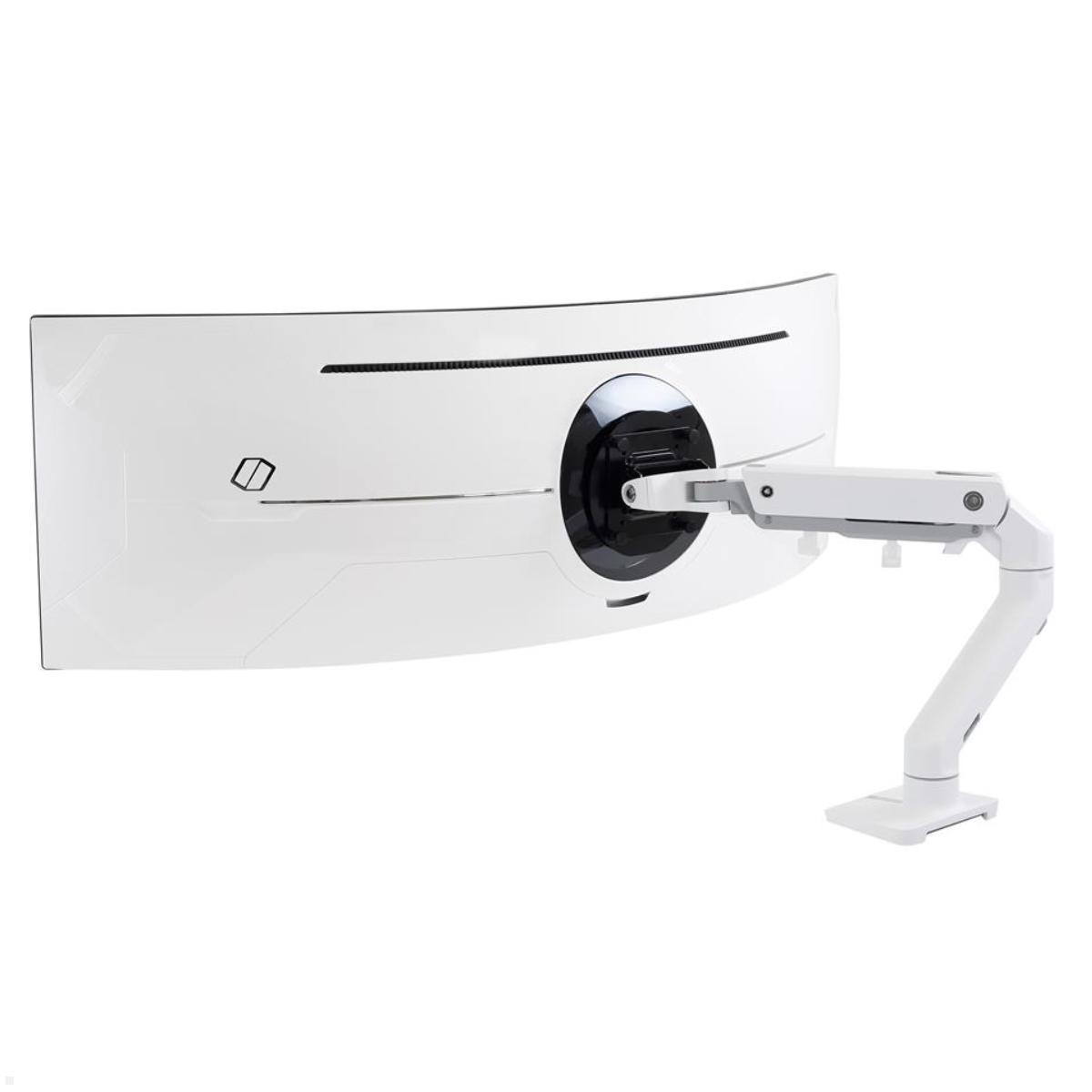
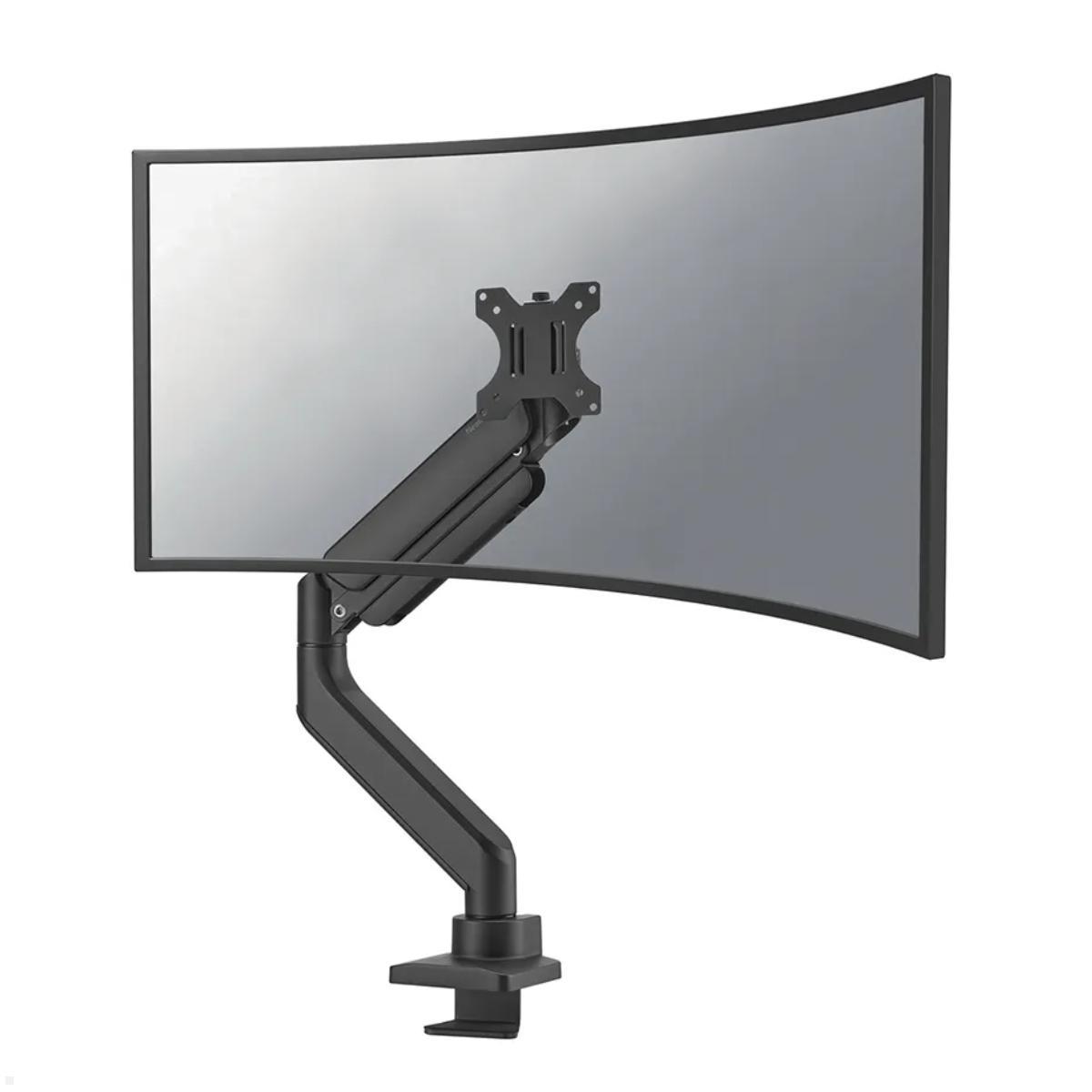
How to Mount Curved Monitors Properly

Curved monitors are no longer found exclusively on gaming desks. These curved displays are also becoming increasingly popular in offices, home offices and professional workspaces. Thanks to their curved screen design, they can provide a comfortable viewing experience, especially with larger screen sizes. Choosing the right curved monitor mount plays an important role in positioning the screen correctly. However, not every monitor mount is automatically suitable for a curved display. In addition to screen size, factors such as weight, VESA compatibility, monitor design and adjustment options must be considered. Anyone looking to mount a curved monitor securely and ergonomically should therefore check several important criteria before purchasing.
What Is the Difference Between a Curved Monitor and a Flat Monitor?
The most noticeable difference is the curved screen surface. While conventional monitors have a flat display, curved monitors feature a screen that curves inward. The degree of curvature is described by the curvature radius, with common specifications including 1000R, 1500R and 1800R. The smaller this number, the more pronounced the curvature. Particularly with large displays and ultrawide monitors, the curved design can make the outer areas of the screen more comfortable to view from a central seating position.
When choosing a suitable monitor mount for curved monitors, it is important to consider that the curved design can place additional demands on the mounting system. Large ultrawide models in particular can be considerably wider and heavier than traditional flat-screen monitors. This can result in different mechanical loads on the monitor arm and its mounting components.
Which Monitor Mount Is Suitable for Curved Monitors?
In general, many curved monitors can be mounted using conventional monitor mounts. The main requirement is that the mount is compatible with the specific monitor model and meets all relevant technical specifications. A dedicated curved monitor mount is therefore not always necessary. The most important factors are VESA compatibility, maximum load capacity and the screen dimensions approved by the manufacturer.
The following features should be considered when choosing a monitor mount:
- VESA compatibility: The mounting holes on the monitor must match the mounting plate of the monitor arm.
- Weight capacity: The mount must support the actual weight of the monitor without its original stand.
- Screen size: Particularly wide ultrawide monitors require sufficient space and a suitable mounting structure.
- Adjustment options: Height adjustment, tilting and swivelling make it easier to achieve an ergonomic screen position.
- Stability: The joints and tilt mechanisms must be capable of holding the monitor securely in the desired position.
For flexible workspaces, gas spring monitor arms are particularly interesting. They often allow convenient height adjustment as well as swivelling and tilting of the display. With very large curved monitors, however, it is advisable to check whether the mount is explicitly approved for the corresponding monitor model or screen design.
Why Is the VESA Standard Important for Curved Monitors?
The VESA standard defines the arrangement of mounting holes on the back of a monitor. Common VESA mounting patterns include 75 × 75 mm and 100 × 100 mm, although larger displays may use different mounting dimensions. Many curved monitors feature a standardised VESA mounting interface, but this is not the case with every model. Some manufacturers use proprietary mounting systems or require additional adapters before the monitor can be attached to a conventional monitor mount.
Another important consideration is the design of the monitor's rear housing. On some curved models, the VESA mounting interface is recessed or surrounded by a curved housing. As a result, the mounting plate may not sit directly against the monitor. In these cases, suitable spacers or manufacturer-specific adapters may be required. These components must only be used in accordance with the monitor manufacturer's installation instructions. Incorrect screws or improvised mounting solutions can compromise stability and potentially damage the display.
How Important Are Monitor Weight and Load Capacity?
Weight is one of the most important selection criteria for a curved monitor mount. Large ultrawide monitors in particular can be significantly heavier than conventional office monitors. The mount must therefore be designed to support the actual weight of the display without its original stand. However, checking the maximum load capacity alone is not enough. Monitor arms with gas springs often specify a minimum supported weight as well. If the monitor falls outside the recommended weight range, the arm may not reliably remain in the desired position.
The design of a curved monitor also affects the forces acting on the mounting system. Due to the considerable screen width and the position of the centre of gravity, additional demands may be placed on the joints and tilt mechanisms. A monitor mount with sufficient weight capacity is therefore not automatically suitable for every large curved display. Particularly with 34-inch, 49-inch or even larger ultrawide monitors, it is advisable to carefully review the manufacturer's specifications.
Mounting a 34-Inch or 49-Inch Curved Monitor: What Should You Consider?
Screen diagonal alone provides limited information about how much space a curved monitor requires. A 49-inch ultrawide monitor, for example, can be considerably wider than a conventional display with a similar diagonal measurement. This creates additional requirements for positioning and adjustability.
For a 34-inch curved monitor, many appropriately rated monitor arms can provide a suitable solution. Important factors include sufficient weight capacity, compatible VESA dimensions and an adjustment range that supports the desired screen position. With a 49-inch curved monitor, particular attention should be paid to the stability of the mounting structure. Due to the considerable screen width, swivelling the monitor may require significantly more clearance. The tilt mechanism must also be designed to support the load and prevent the display from gradually tilting forward. Special heavy-duty monitor arms are available for large ultrawide monitors, with joints and mounting components designed to withstand higher loads.
What Are the Benefits of a Gas Spring Curved Monitor Mount?
A gas spring monitor mount is particularly useful in workspaces where the screen position needs to be adjusted regularly. Thanks to the integrated spring mechanism, the monitor can be raised or lowered with relatively little effort, provided its weight falls within the specified range. This makes it easier to adjust the screen height to individual requirements. Many models also allow the monitor to be moved forwards or backwards, swivelled sideways or tilted to achieve a comfortable viewing angle.
Precise positioning is particularly beneficial with curved monitors. The curved screen is designed to be viewed from a suitable central position, and an adjustable monitor arm makes it easier to find that position. However, when using heavy curved monitors, it is essential to ensure that both the gas spring mechanism and the tilt mechanism are suitable for the monitor's weight and design.
Desk Mount or Wall Mount for Curved Monitors?
There are several mounting options available for curved monitors. The most suitable solution depends on the workspace layout and individual requirements.
Curved Monitor Desk Mount
A monitor desk mount is one of the most popular solutions for office and gaming workstations. Depending on the model, it can be attached to the desktop using a desk clamp or a grommet mounting system. This eliminates the need for the original monitor stand and creates additional usable desk space. Adjustable monitor arms are particularly practical because they allow the display to be positioned flexibly. With large curved monitors, however, the stability of the desktop must be checked, as not every desk construction is suitable for high concentrated loads.
Curved Monitor Wall Mount
A monitor wall mount is particularly suitable when the display is intended to remain in a fixed location. It frees up desk space and, depending on the design, allows either low-profile or adjustable installation. When mounting a monitor on a wall, the wall construction, appropriate fixing materials and load-bearing capacity must all be considered. Professional installation is especially important for heavy ultrawide monitors.
How Should a Curved Monitor Be Positioned Ergonomically?
Correct screen positioning can help support a comfortable working posture. With curved monitors, central alignment is particularly important to make effective use of the screen's curvature. Ideally, the monitor should be positioned directly in front of the user. The screen height should generally be adjusted so that the upper part of the display is approximately at eye level or slightly below it. The exact position depends on factors such as screen size, seating posture and individual viewing preferences.
Viewing distance is another important consideration. Larger ultrawide monitors may require a greater viewing distance so that the entire screen can be viewed comfortably. The optimal distance depends on the screen diagonal, resolution and curvature radius. An adjustable monitor mount makes it easier to adapt these settings to individual needs. Particularly with height-adjustable desks, a flexible monitor arm can be useful for maintaining a comfortable screen position when switching between sitting and standing.
Can Two Curved Monitors Be Mounted on One Stand?
Suitable dual monitor mounts are also available for workstations with two curved displays. However, several technical factors must be considered. In addition to the load capacity of each monitor arm, screen width is particularly important. Two large curved monitors require significantly more space than two conventional office monitors. Before purchasing, it is therefore essential to check whether both displays can be positioned next to each other without the monitor housings or mounting arms interfering with one another.
The maximum reach of the monitor arms is another relevant factor. With strongly curved displays, positioning the monitors at a slight angle can help create a more consistent viewing arrangement. For particularly large ultrawide monitors, using two separate monitor mounts may be more practical. This allows the screens to be positioned independently and distributes the load across separate mounting points.
What Should You Consider When Installing a Curved Monitor Mount?
Before installing a curved monitor mount, all technical specifications of the monitor and mounting system should be compared. It is particularly important to ensure that the mounting solution is suitable for the screen size, weight and intended mounting surface.
The following points should be checked before and during installation:
- Mounting surface: The desktop or wall must be capable of supporting the loads generated by the monitor and mounting system.
- Mounting hardware: Screws, adapters and spacers must comply with the manufacturer's specifications.
- Freedom of movement: The monitor requires sufficient clearance for swivelling, tilting and repositioning.
- Cable management: Power and signal cables should be routed neatly while allowing enough slack for movement.
- Secure installation: After installation, all fixings and the stability of the selected monitor position should be checked.
Many monitor arms feature integrated cable management systems that allow power and signal cables to be routed along the arm. Sufficient cable slack must be maintained to prevent cables from being stretched when the monitor is swivelled or adjusted in height. Careful installation helps ensure that the curved monitor can be used safely and comfortably over the long term.
Frequently Asked Questions About Curved Monitor Mounts
- Do Curved Monitors Need Special Mounts?
Not necessarily. Many curved monitors can be attached to conventional VESA-compatible monitor mounts. The most important requirements are a compatible VESA mounting interface, sufficient load capacity and approval for the relevant screen size and design. - Can a 49-Inch Curved Monitor Be Mounted on a Monitor Arm?
Yes, provided the monitor arm is explicitly suitable for the technical requirements of the specific display. Weight capacity, tilt mechanism stability and approved screen dimensions are particularly important. - Are Gas Spring Monitor Arms Suitable for Curved Monitors?
Yes, as long as the monitor's weight falls within the specified weight range and the mounting system is suitable for its design. Gas spring monitor arms allow flexible height adjustment and positioning. - Can a Curved Monitor Be Wall Mounted?
Many curved monitors can be installed using a suitable VESA wall mount. The main requirements are a compatible mounting interface, sufficient load-bearing capacity and professional installation on an appropriate wall surface. - What VESA Size Do Curved Monitors Use?
Common mounting patterns include VESA 75 × 75 mm and 100 × 100 mm. However, depending on the manufacturer and monitor model, different dimensions or special adapters may be required. The monitor manufacturer's technical specifications should always be consulted.