


Desk mount 2 monitors / 2-way desk stand / dual desk holder




174 products

Average rating of 5 out of 5 stars

Average rating of 0 out of 5 stars


Average rating of 0 out of 5 stars

Average rating of 5 out of 5 stars
Average rating of 5 out of 5 stars

Average rating of 5 out of 5 stars

Average rating of 0 out of 5 stars
Average rating of 5 out of 5 stars
Average rating of 5 out of 5 stars


Average rating of 5 out of 5 stars
Average rating of 5 out of 5 stars

Average rating of 5 out of 5 stars


Average rating of 5 out of 5 stars

Average rating of 5 out of 5 stars

Average rating of 5 out of 5 stars

Average rating of 0 out of 5 stars

Average rating of 5 out of 5 stars

Average rating of 5 out of 5 stars

Average rating of 5 out of 5 stars

Average rating of 5 out of 5 stars


Average rating of 5 out of 5 stars

Average rating of 5 out of 5 stars

Average rating of 0 out of 5 stars

Average rating of 0 out of 5 stars
Average rating of 5 out of 5 stars

Average rating of 0 out of 5 stars

Average rating of 5 out of 5 stars

Average rating of 5 out of 5 stars

Average rating of 5 out of 5 stars

Average rating of 5 out of 5 stars


Average rating of 0 out of 5 stars

Average rating of 5 out of 5 stars

Average rating of 0 out of 5 stars

Average rating of 0 out of 5 stars

Average rating of 5 out of 5 stars

Average rating of 0 out of 5 stars

Average rating of 0 out of 5 stars

Average rating of 0 out of 5 stars


Average rating of 5 out of 5 stars


Average rating of 5 out of 5 stars

Average rating of 0 out of 5 stars

Average rating of 5 out of 5 stars


Average rating of 0 out of 5 stars


Average rating of 5 out of 5 stars

Average rating of 0 out of 5 stars
Average rating of 5 out of 5 stars
Average rating of 5 out of 5 stars
Average rating of 5 out of 5 stars

Average rating of 5 out of 5 stars

Average rating of 5 out of 5 stars

Average rating of 5 out of 5 stars

Average rating of 0 out of 5 stars

Average rating of 5 out of 5 stars

Average rating of 5 out of 5 stars

Average rating of 5 out of 5 stars

Average rating of 5 out of 5 stars


Average rating of 5 out of 5 stars
Average rating of 5 out of 5 stars

Average rating of 5 out of 5 stars

Average rating of 5 out of 5 stars
Average rating of 5 out of 5 stars
Average rating of 5 out of 5 stars

Average rating of 5 out of 5 stars

Average rating of 5 out of 5 stars

Average rating of 5 out of 5 stars


Average rating of 0 out of 5 stars
Average rating of 5 out of 5 stars

Average rating of 0 out of 5 stars

Average rating of 5 out of 5 stars
Average rating of 5 out of 5 stars

Average rating of 0 out of 5 stars

Average rating of 5 out of 5 stars

Average rating of 0 out of 5 stars

Average rating of 5 out of 5 stars

Average rating of 0 out of 5 stars


Average rating of 5 out of 5 stars

Average rating of 5 out of 5 stars

Average rating of 5 out of 5 stars

Average rating of 5 out of 5 stars

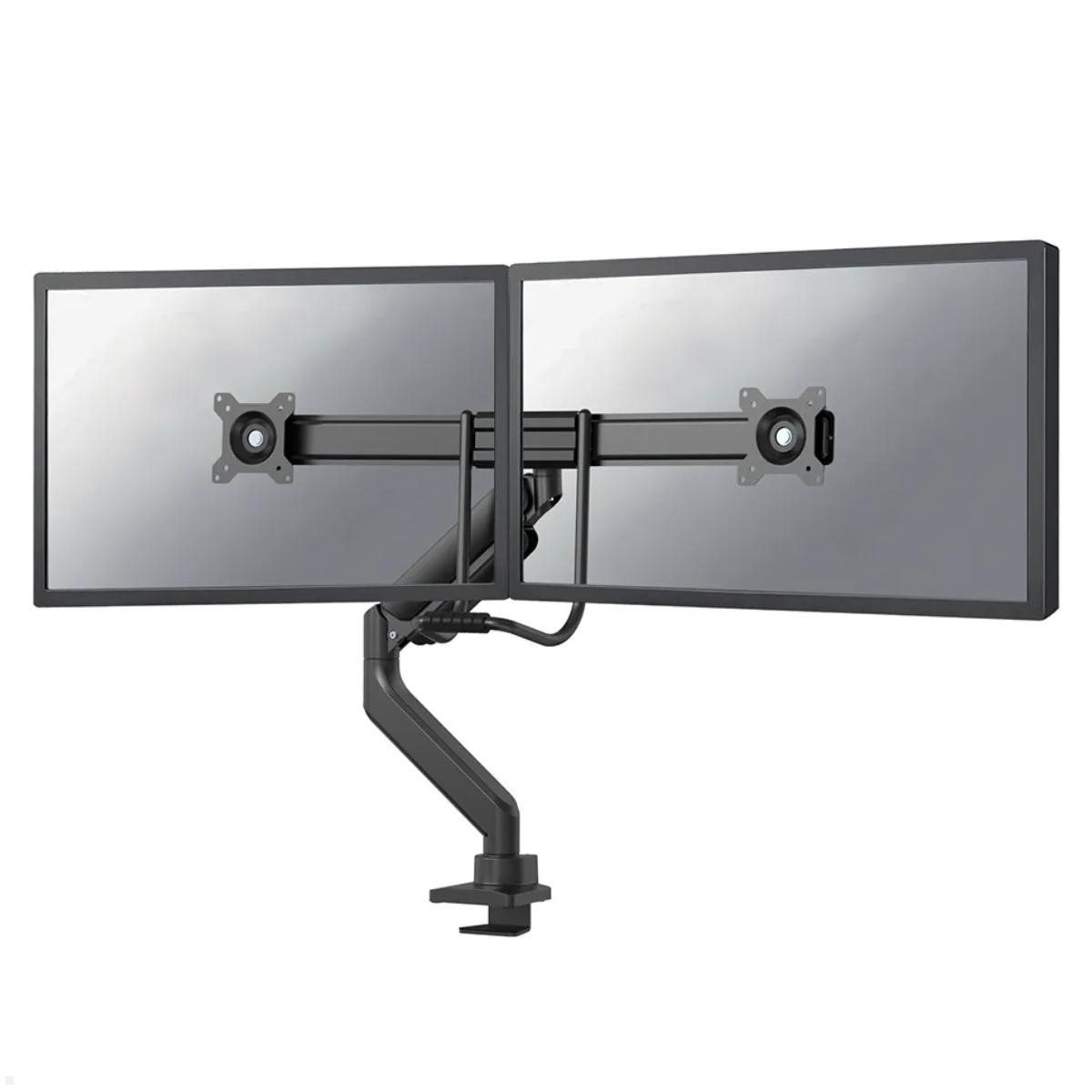
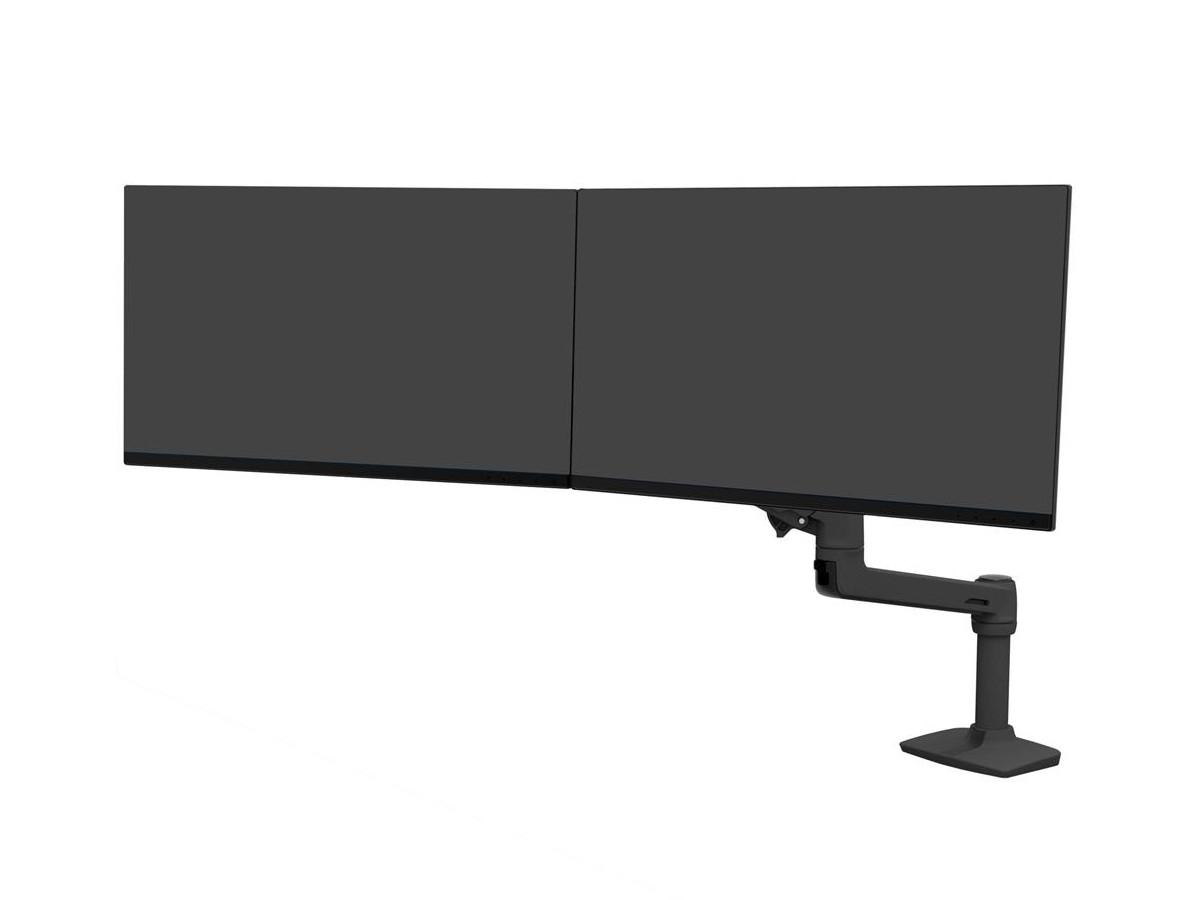
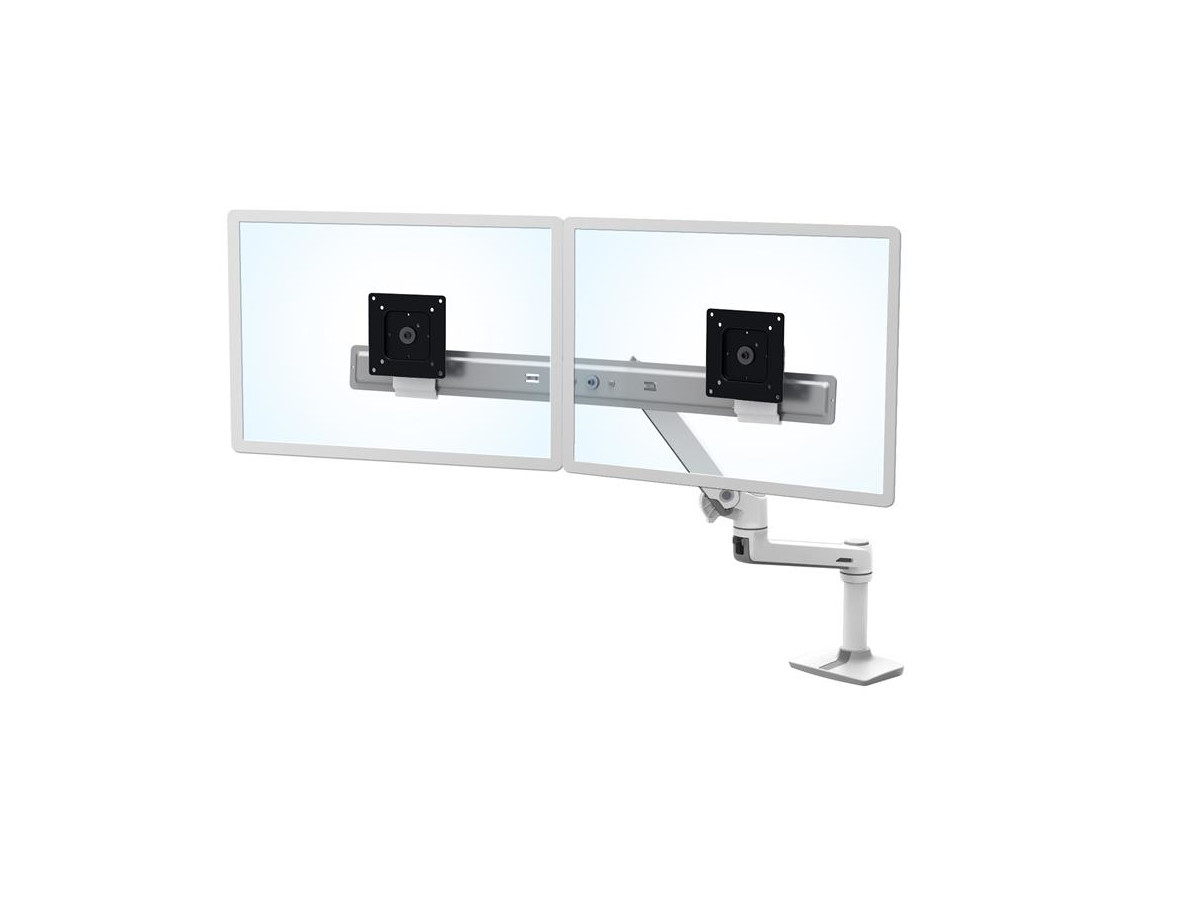
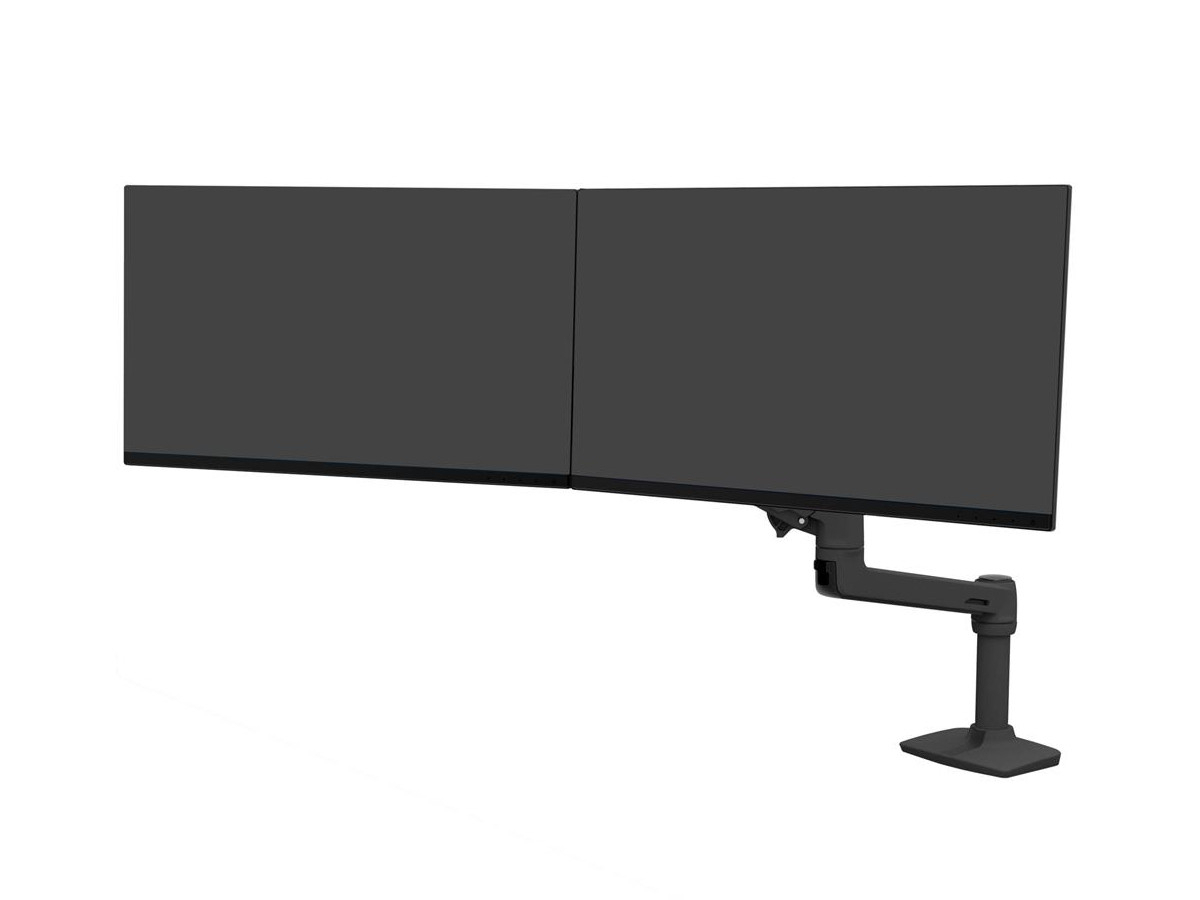
Dual Monitor Desk Mount – Ergonomic and Efficient Workstation Setup
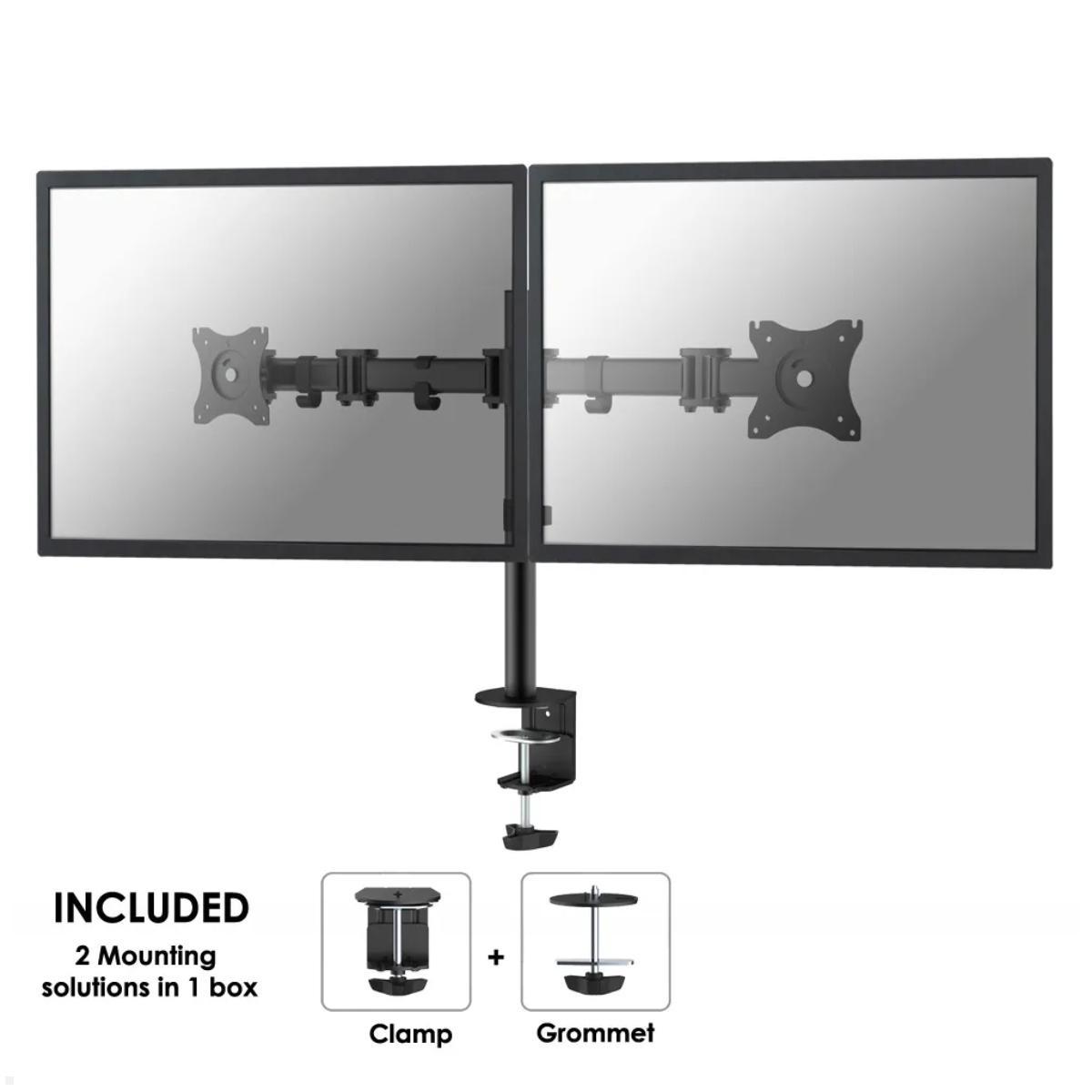
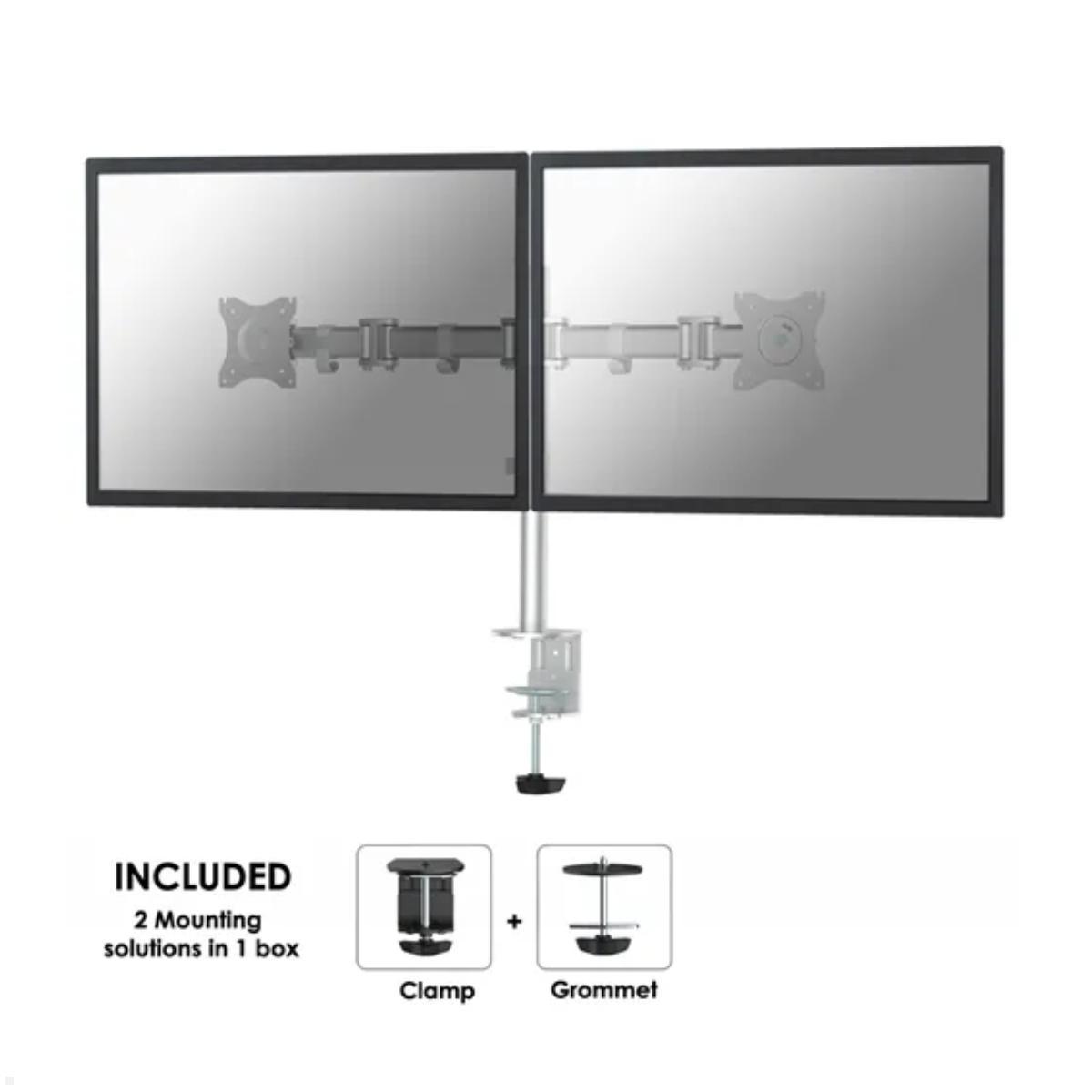
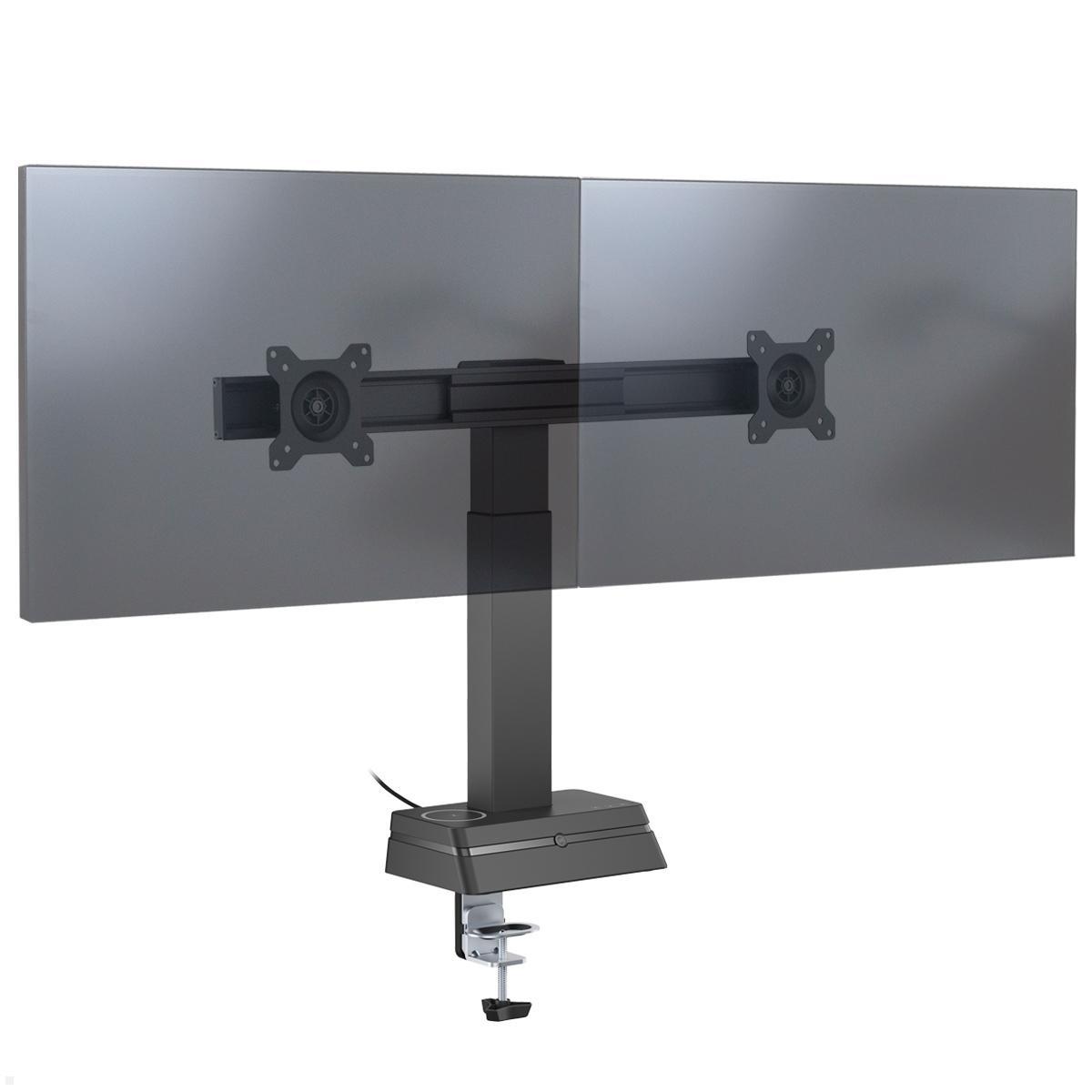
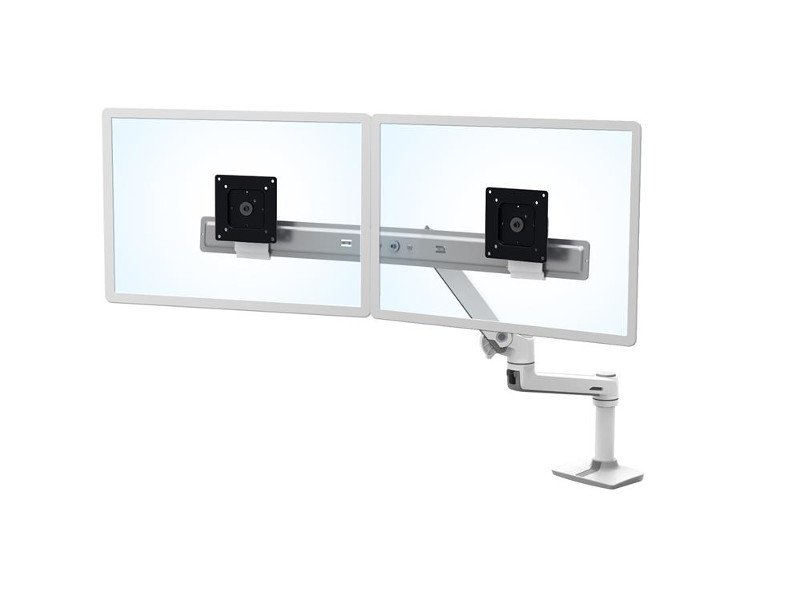
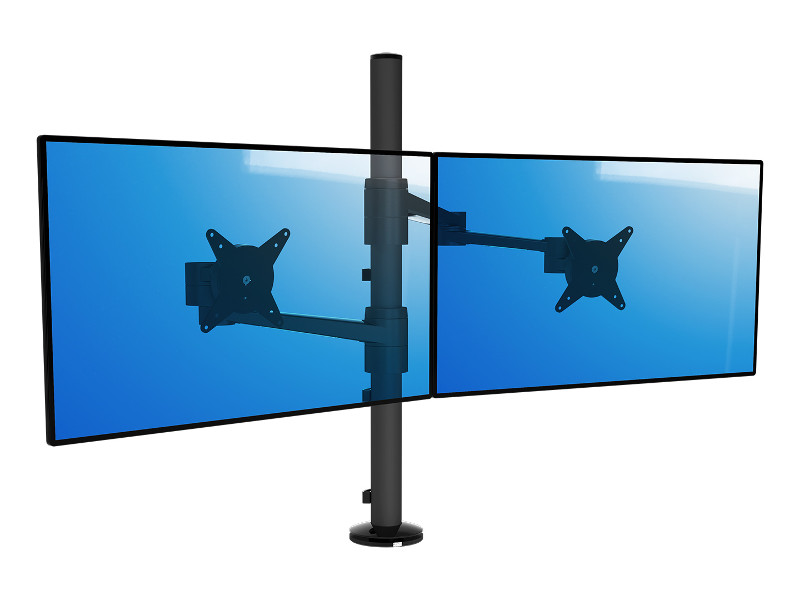
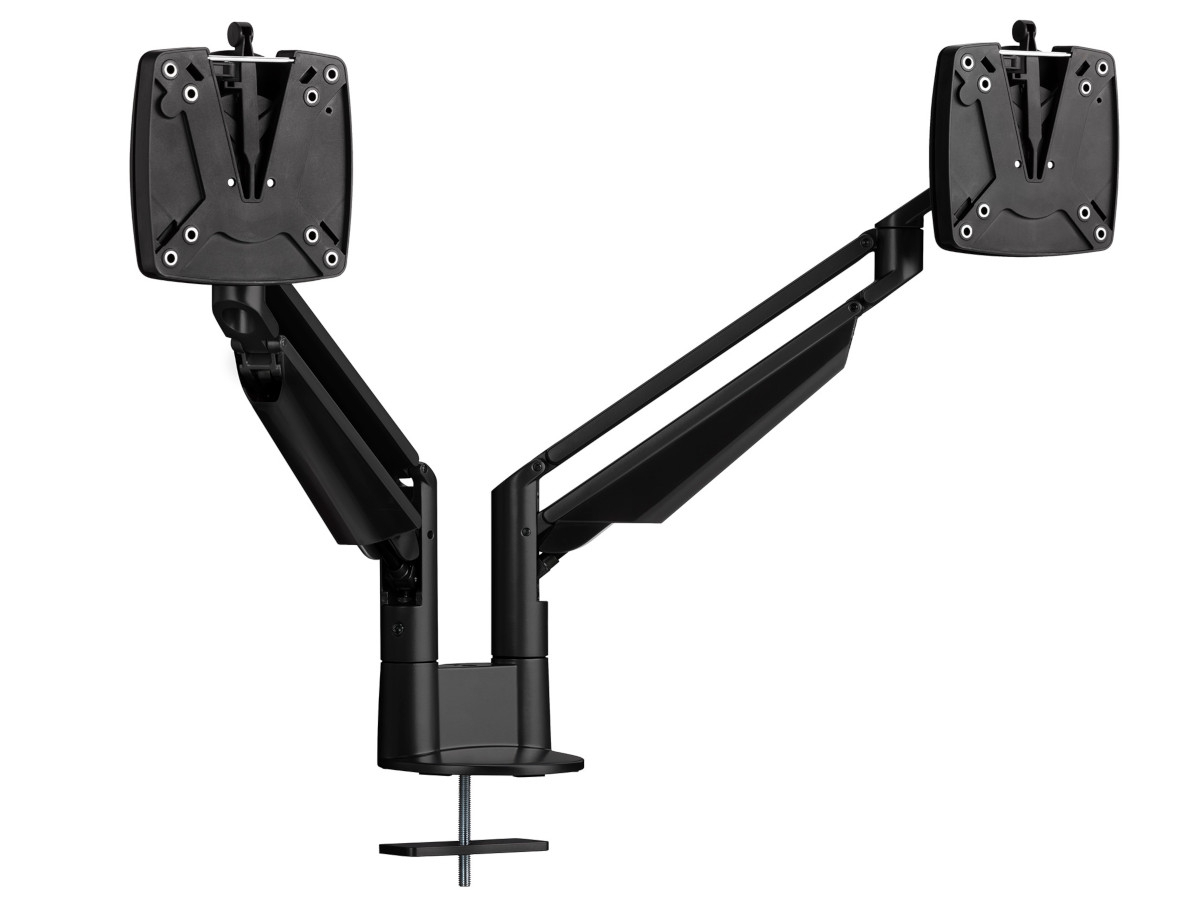
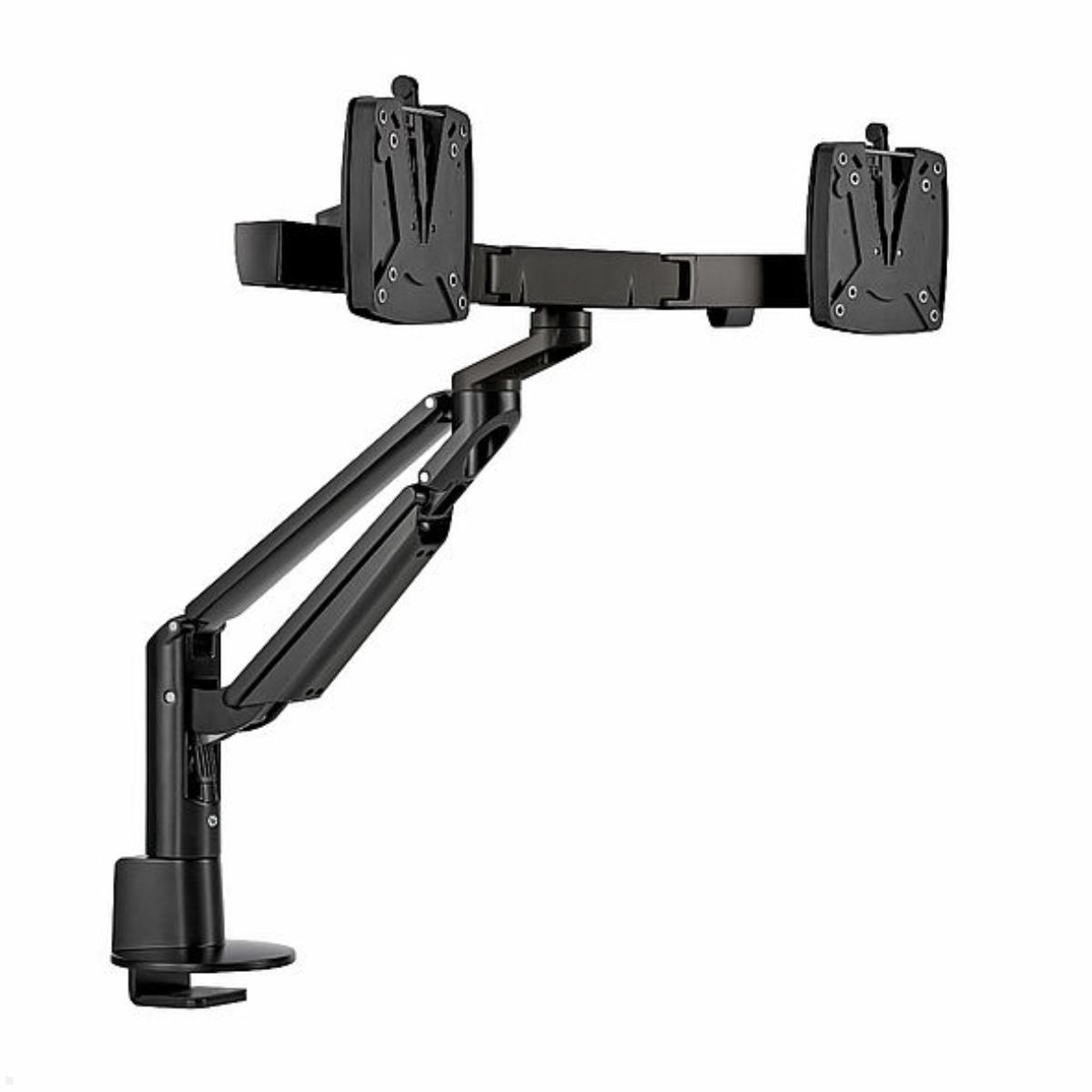
A dual monitor desk mount has become an essential part of modern workspaces. Whether in a corporate office or home office, working with multiple programs or windows simultaneously is much easier with two screens. A desk mount for 2 monitors improves visibility, enhances workflow, and supports a healthy posture during long hours at the desk.
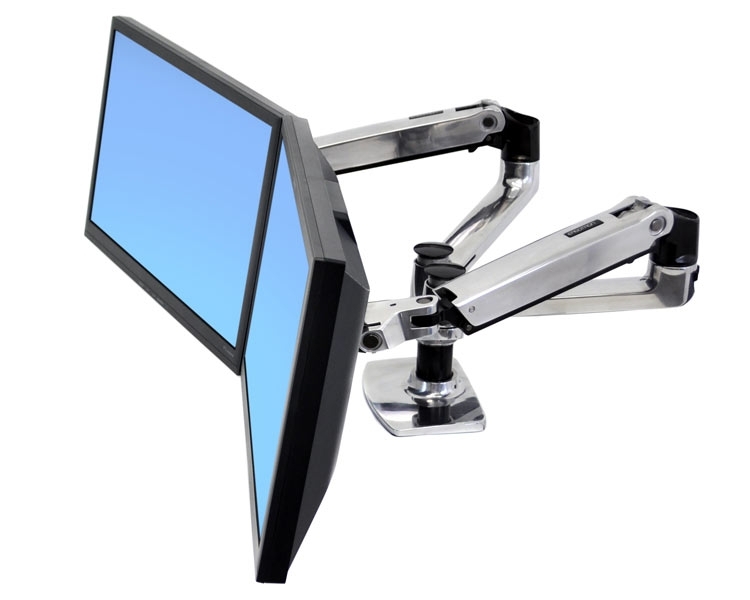
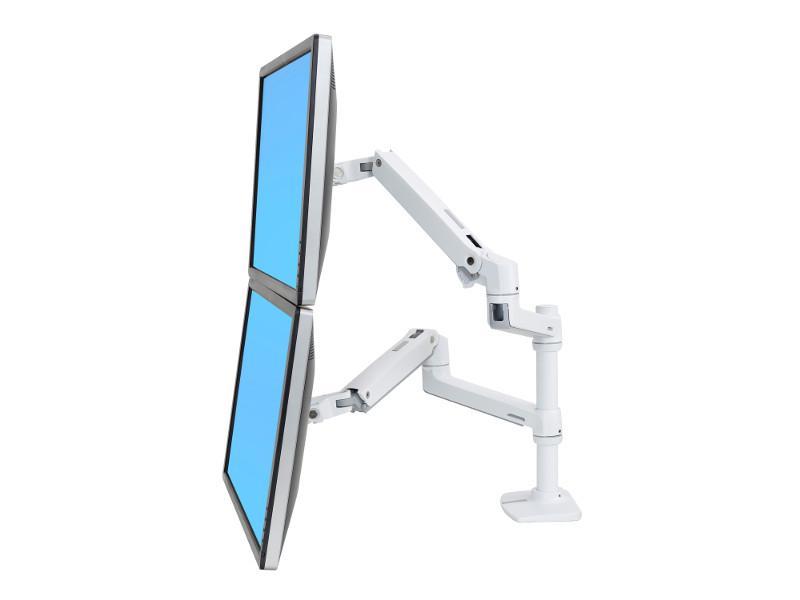
Depending on your work type, you can position two monitors side by side for a wide horizontal view or vertically stacked to save desk space. In open-plan offices or team environments, a back-to-back monitor desk mount is ideal for opposite-facing desks, creating efficient dual setups with minimal space usage.
Flexible Options – Monitor + Laptop or Tablet
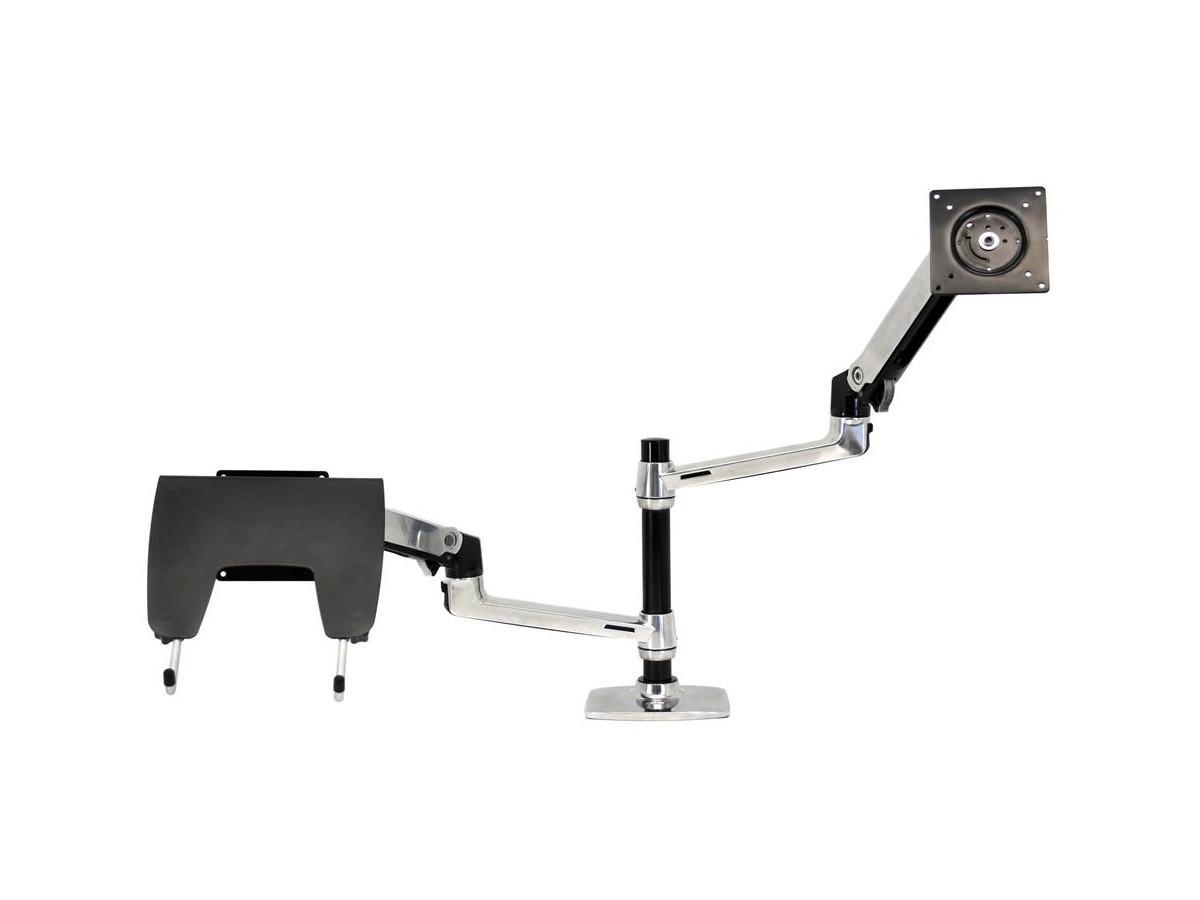
Working with a monitor and a notebook or tablet? No problem. Many of our dual monitor mounts are available with integrated laptop trays or tablet holders. These combinations are perfect for mobile professionals or hybrid workspaces, allowing users to view both screens at an ergonomic angle.
Whether for creative studios, customer service desks, reception areas, or IT departments – a well-designed 2-screen desk mount improves not only productivity but also the organization and look of any workspace.
Choose Between Free-Standing and Clamp-Mounted Options
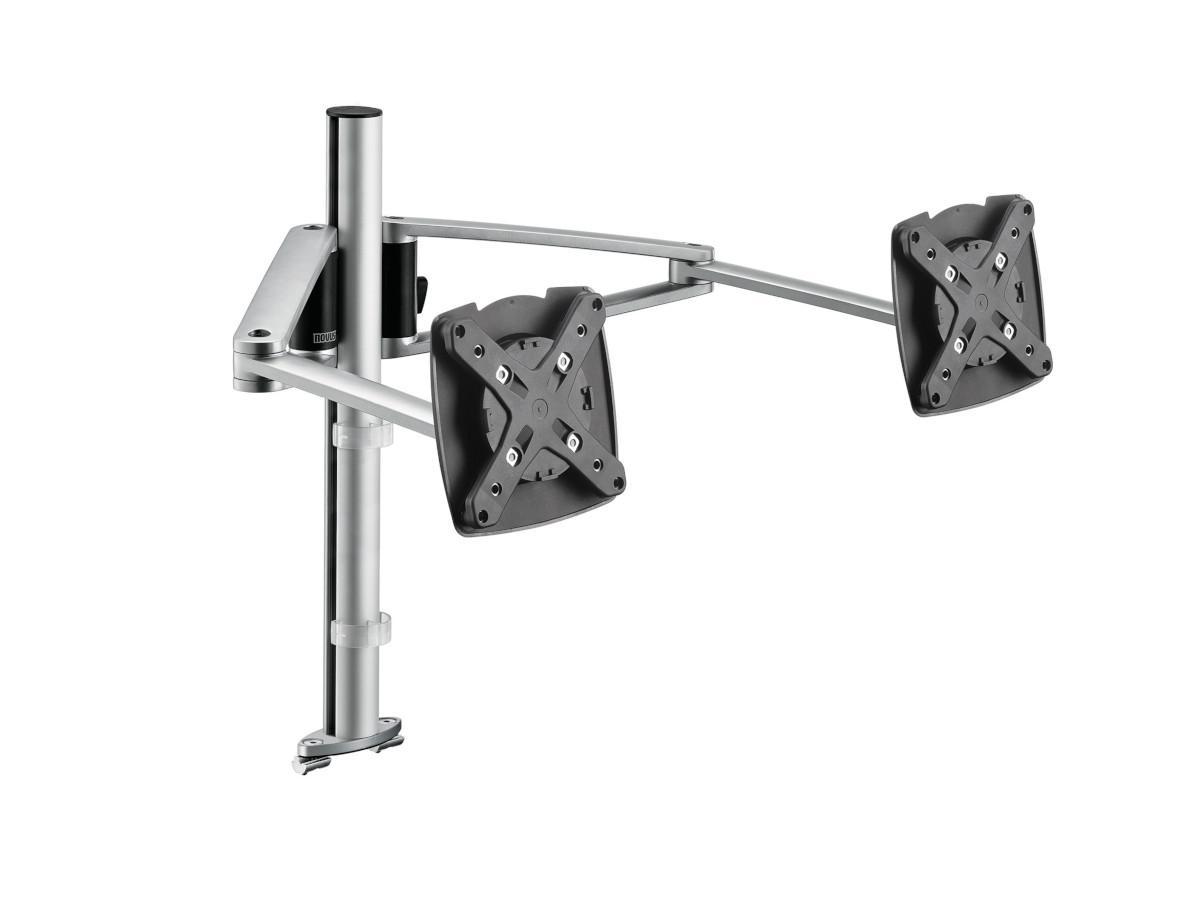
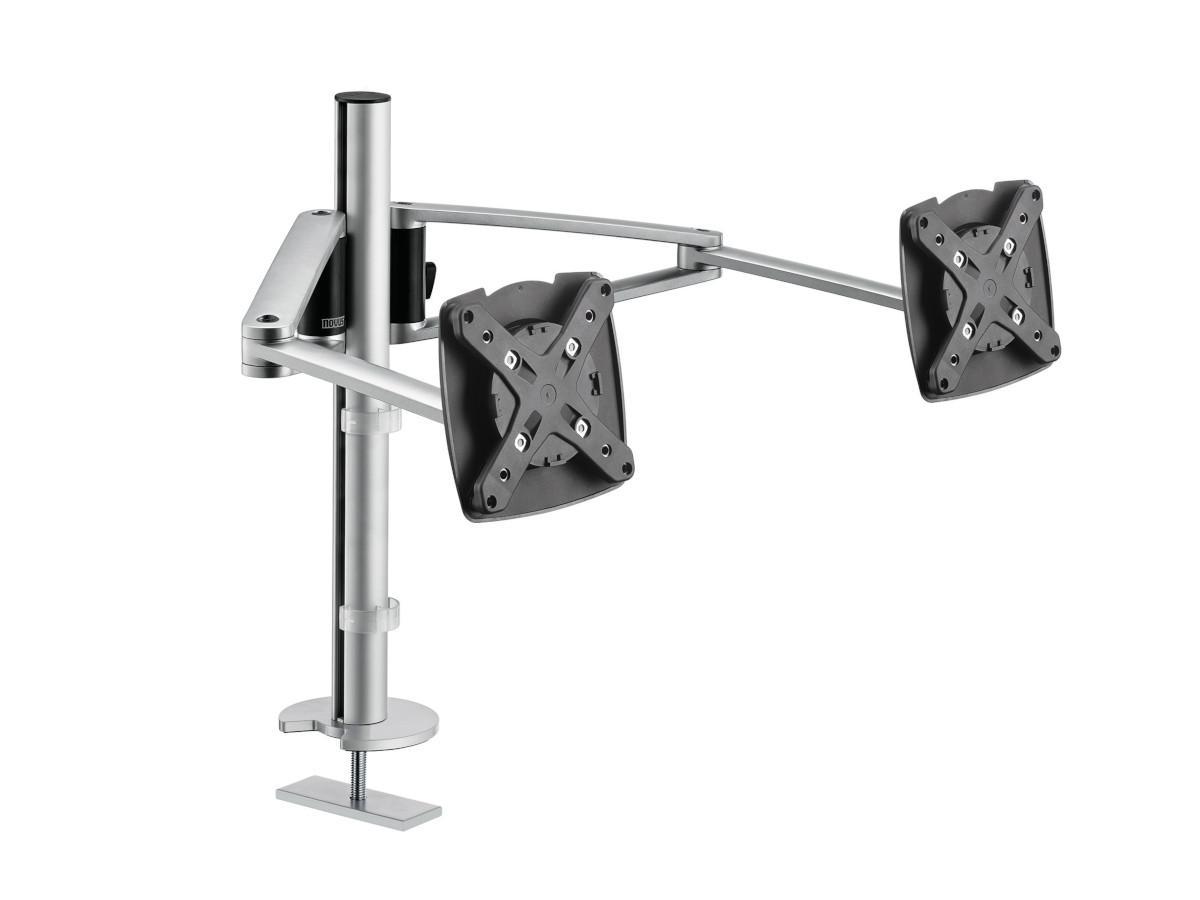
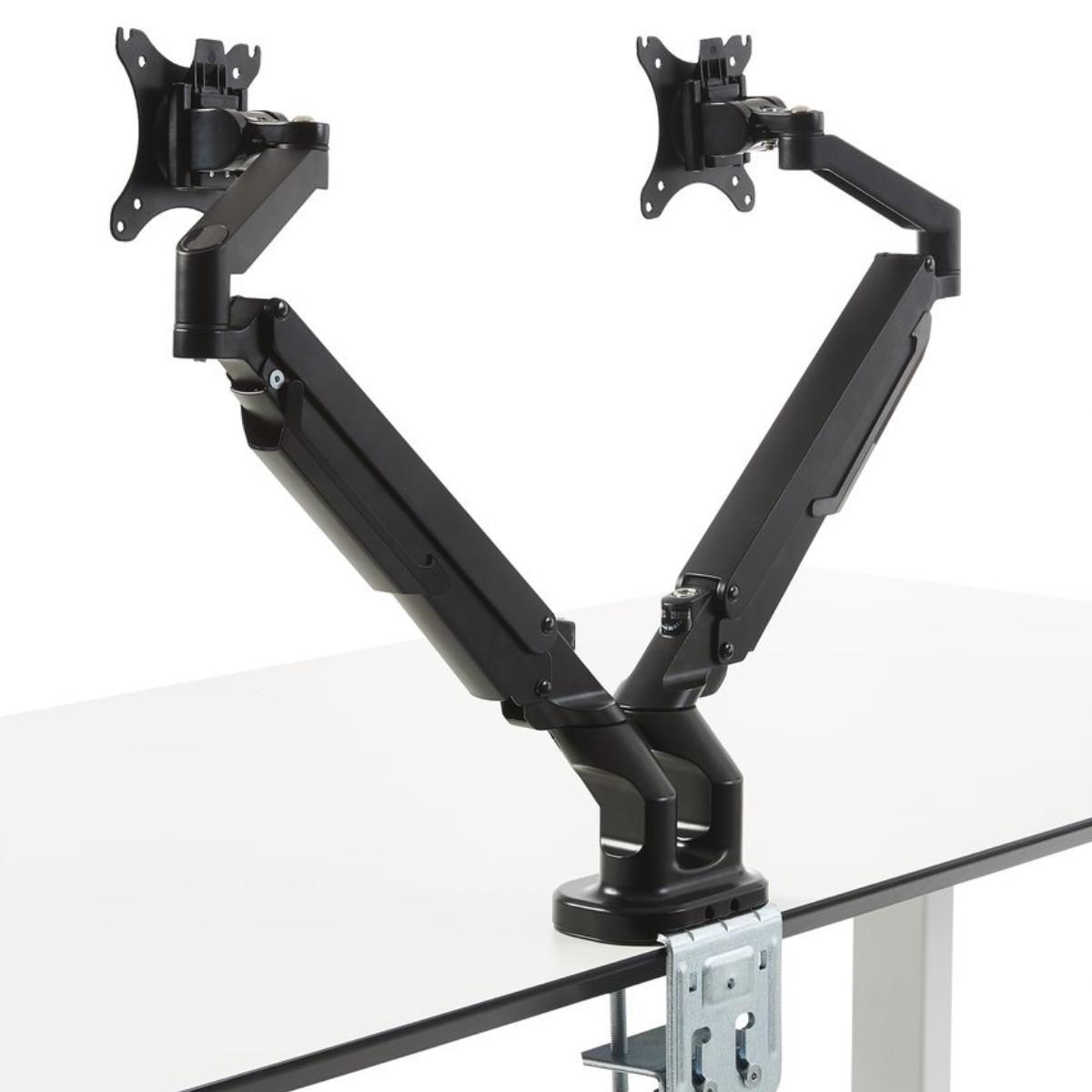
Our online shop offers a wide range of dual monitor desk mounts. Choose between a height-adjustable dual monitor stand or a desk clamp-mounted dual monitor arm. Clamp-mounted models save valuable desk space and are ideal for fixed or compact workstations.
Mounts with a desk clamp are popular for their quick, tool-free installation and non-damaging attachment. For extra stability in multi-user environments like shared offices or large desks, grommet-mounted options are a great choice. Many of these models also feature cable management systems to keep workspaces tidy and efficient.
Fits Screens from 10 to 36 Inches – Top Brands Available
Our monitor desk mounts for 2 screens support standard VESA mounting patterns and are compatible with monitors ranging from 10 to 36 inches. Whether you're using LED, LCD, or OLED displays, we have a solution for nearly every setup.
We carry top-quality brands like BakkerElkhuizen, Edbak, Ergotron, Dataflex, Humanscale, NewStar, Novus, MonLines, R-Go, and SMS. These manufacturers are known for their focus on durability, flexibility, and ergonomic design.
Custom Solutions and Personal Support
Need something more specific? If you can't find the right dual desk monitor mount in our shop, we're happy to help. Contact us by phone or email, and our team will assist you with expert advice. We also offer custom-built dual monitor solutions tailored to your exact needs and workspace.
The right TV mount depends primarily on the VESA standard and the weight of the TV. Both must match the VESA mount and the load capacity of the mount. If the VESA standard or the weight of the TV is not known, you can either find out both using the "Finder" or contact us. We are happy to help you!
The VESA standard is a standard for attaching flat screens / LCD / monitors / televisions to monitor mounts or TV mounts. Depending on the dimensions and weight of the screen, at least four threads or drill holes are defined (hole pattern). The uniform VESA standard allows you to attach your television to a monitor mount for the wall, table or ceiling.
To determine whether a TV has a VESA mount, you can look at the user manual or measure the distance between the screw holes on the back (typical dimensions: 75x75, 100x100, 200x200). Alternatively, you can search for the model number online using the "VESA standard".
Not every TV can be attached to a TV mount. A TV must have a VESA mount to be compatible with a mount. If the TV does not have VESA screw holes or requires a special mount, a standard mount may not be suitable. In such cases, special adapters or mounts may be required. You can get help choosing the right TV mount in our guide.
Whether the old TV mount can be reused depends on the VESA standard, the load capacity and the screen size of the new TV. If the mounting holes match and the mount can support the weight, reuse is usually possible. If there are small deviations, adapter plates can help.
Installing a TV mount usually takes 30 to 60 minutes, depending on the type of mount and the condition of the wall. A simple fixed mount is usually installed faster, while swiveling or tilting models require a little more time and precision.
Yes, installing a TV wall mount is relatively easy with the right tools and a little manual skill. A fixed mount can usually be installed quickly, while swiveling or tilting models require a little more precision. It is important to consider the type of wall, the VESA standard and the load capacity of the mount.
When buying a TV wall mount, the VESA standard, the load capacity and the desired mobility (fixed, tiltable or swiveling) are important. In addition, the mount should match the wall structure and offer the right distance for optimal use. Good cable routing ensures a clean appearance.
Swiveling means moving the TV sideways to the left and right, while tilting allows you to tilt it up or down to reduce reflections. Rotating, on the other hand, allows you to rotate the screen on its own axis, which is particularly useful for special installations such as portrait orientation. A flexible mount often combines several of these functions for the best adjustment. Find more Infos
Yes, many TV wall mounts support multiple VESA standards by offering different hole spacing for mounting. Universal mounts are often designed for common sizes such as 200x200, 400x400 or 600x400 mm. It is important to check whether the TV's VESA standard is compatible with the mount before purchasing.
The ideal distance from the TV depends on the screen size and resolution. For HD TVs, the distance should be about 1.5 to 2.5 times the screen diagonal; for 4K TVs, 1 to 1.5 times the distance is sufficient. This way, the picture stays sharp and you can see the display clearly. click here for more tips and tricks
If a TV does not have VESA holes, you can use special adapters or brackets that can be attached to the existing mounting points on the TV. Alternatively, there are also wall brackets that are suitable for TVs without VESA compatibility and allow for individual attachment.